
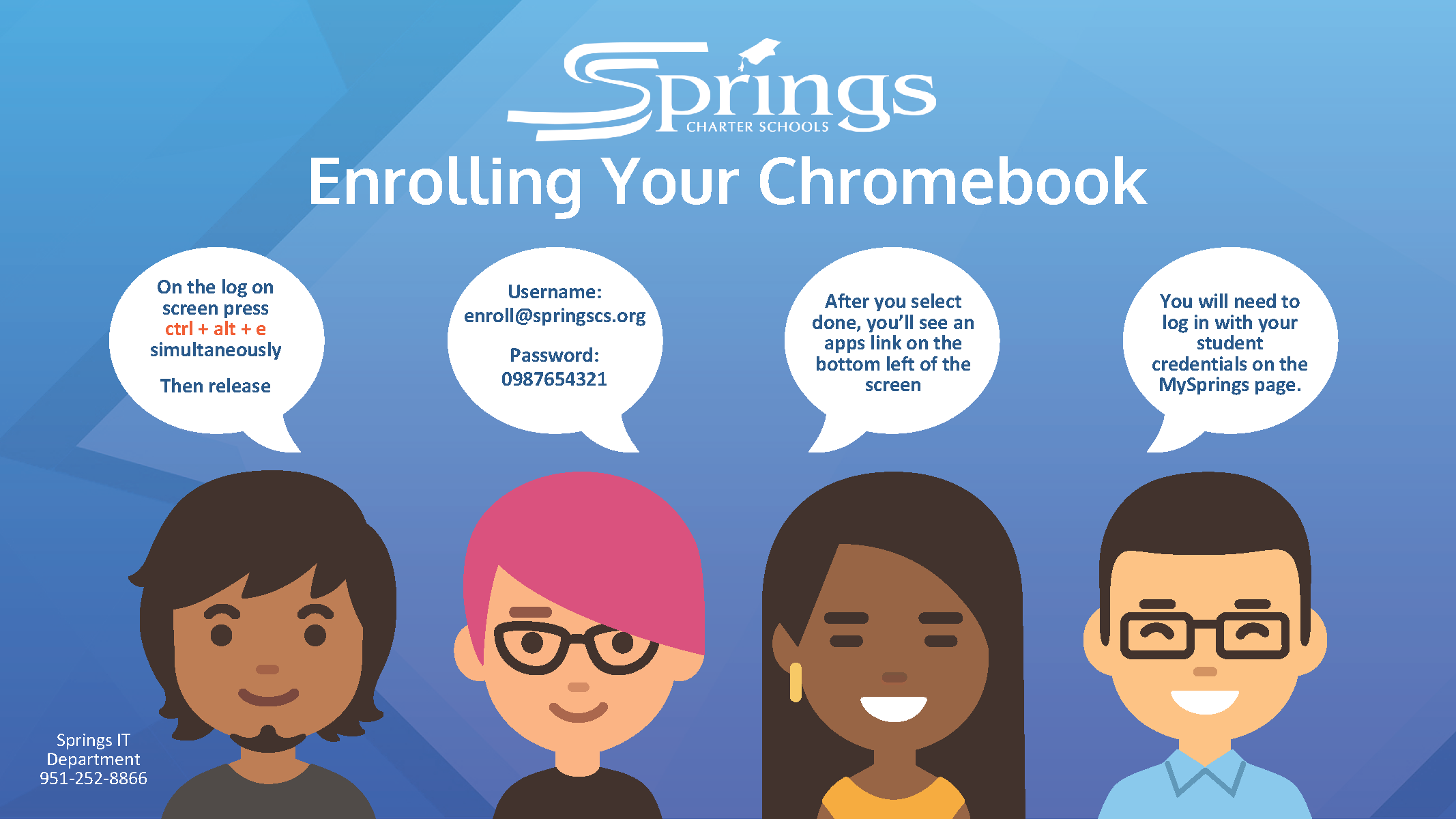
Username:
enroll@springscs.org
Password:
0987654321
On the log on
screen press
ctrl + alt + e
simultaneously
Then release
After you select
done, you’ll see an
apps link on the
bottom left of the
screen
You will need to
log in with your
student
credentials on the
MySprings page.