
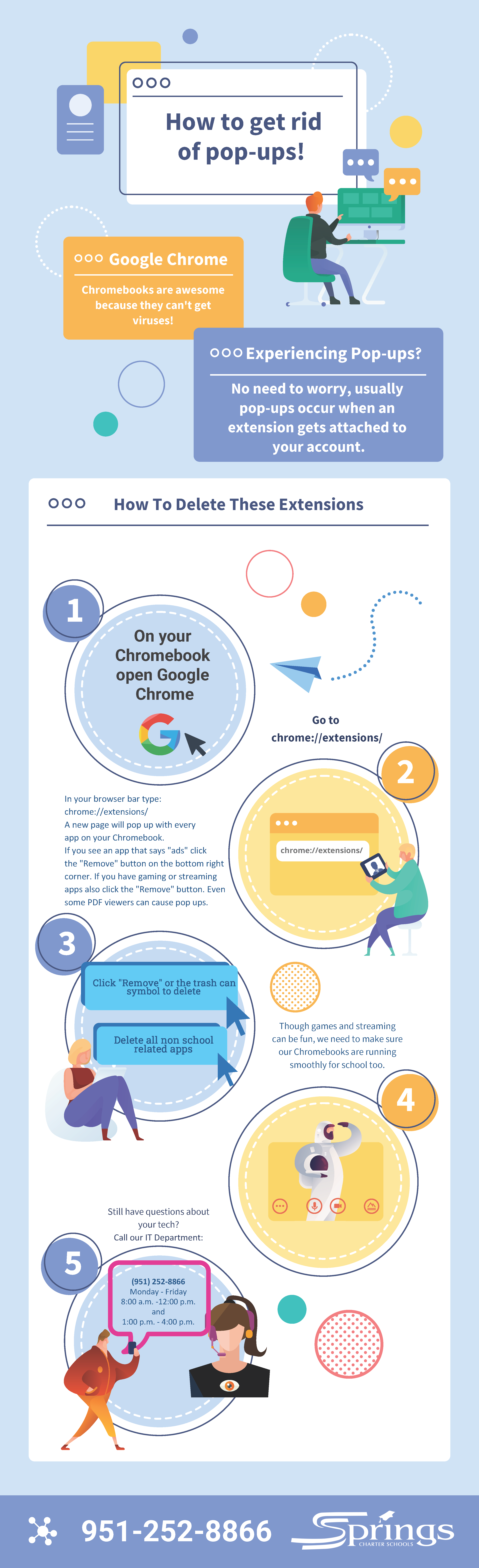
In your browser bar type:
chrome://extensions/
A new page will pop up with every
app on your Chromebook.
If you see an app that says “ads” click
the “Remove” button on the bottom right
corner. If you have gaming or streaming
apps also click the “Remove” button. Even
some PDF viewers can cause pop ups.
- Home
- Apply
- About Us
- Welcome
- Mission & Vision
- Our Approach
- Our Authorizers
- Our Boards
- Leadership & Org Chart
- Handbook & Annual Notifications
- Attendance Calendars
- Nutrition Services
- WASC Accreditation
- School Accountability Report Card
- District English Learner Advisory Committee (DELAC)
- School Safety
- FERPA
- Title I
- Title IX
- Complaint Forms
- COVID-19
- Website Data Privacy Statement
- Our Programs
- Events
- Contact
- Store
- Support